Race control access
Use your DCNX race control login.
Back to boardOverview
Race pulse
Fast status, leaderboard, recent activity, and the admin buttons you reach for most often.
Leaderboard
Recent activity
Recent approvals
Quick admin actions
Board Editor
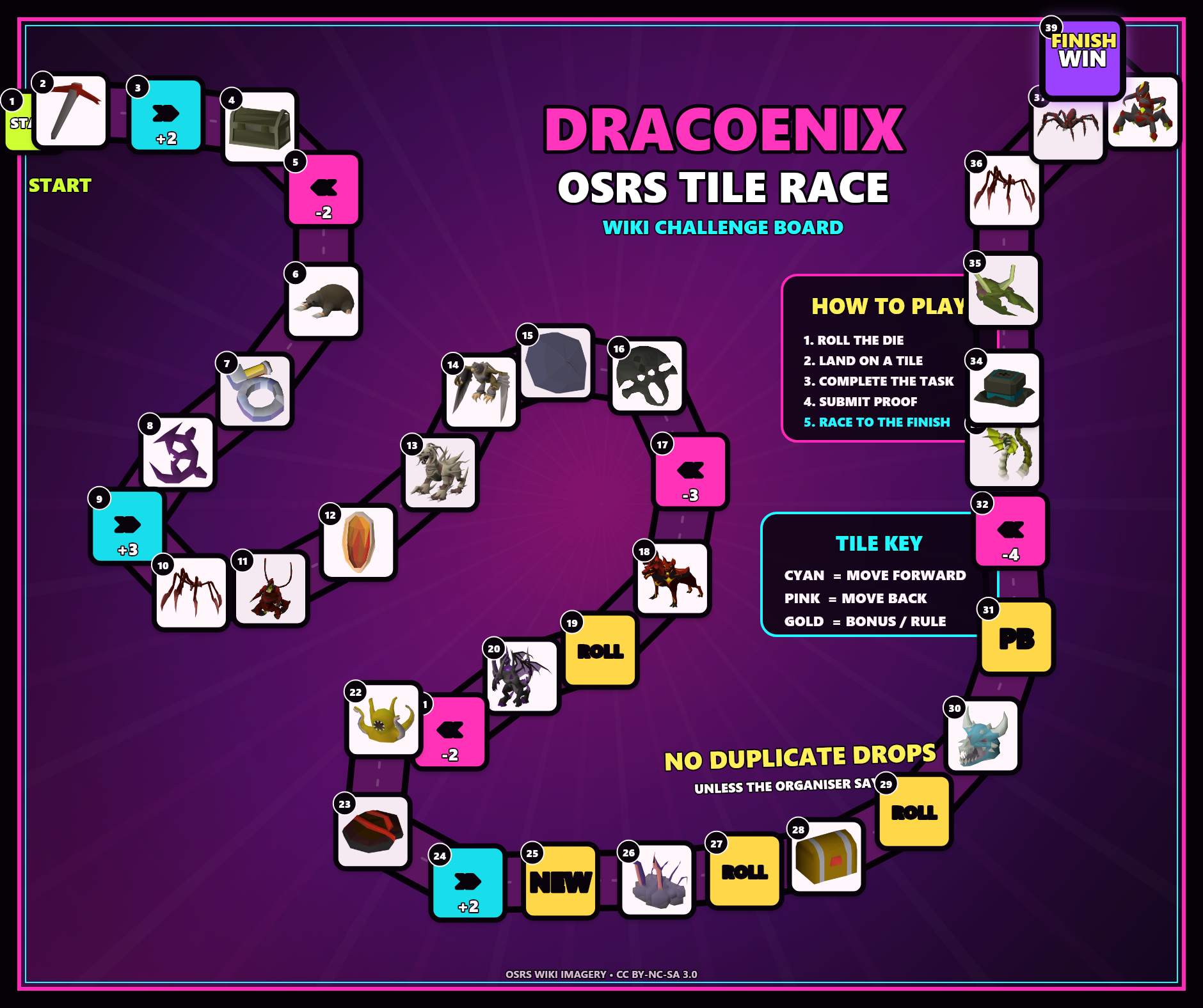
Board task workspace
Select a numbered task box, update the player instructions, and wait for the saved message before leaving.
Edit board tasks
Select a numbered task box to begin.
All changes saved
Task box layout tools (advanced)
Use these only when the board layout itself needs changing. Normal task edits happen in the panel beside the board.
Build and arrange
Add or copy a task box, then drag it on the board.
Remove or rebuild
These actions change the live board layout. A backup is downloaded before full rebuilds or full deletes.
Edit selected task box
Type the player-facing task details here. Changes save automatically after you pause.
Fine tune position and size
Board setup and corrections
Open this only to replace the artwork, correct a team token, or change the available dice.
Board image
Changing the artwork may require the numbered task boxes to be repositioned.
Token correction
Move a team token only when its board position is wrong.
Dice options
Comma-separated dice the players can choose from, for example 4,6,20.
Tiles
Task box manager
Choose a task box, edit the player-facing task, and use advanced controls only when the board order needs changing.
Choose a task box
Search, filter, then click a row. The selected task opens in the editor beside the list.
Advanced list controls
These controls change the task order or remove task boxes. Select a task box first.
Edit selected task box
Changes save automatically after you pause typing.
All changes saved
Player task details
Scoring and requirements
Movement behaviour
Teams
Teams, captains, members, and scores
Create teams, link shared team logins, assign members, and correct scores or current board positions.
Create team
Create the shared team login, then enter its team login ID below.
Members
EOI
Player interest and team assignment
Review public EOIs, contact players, reject unsuitable entries, or create roster players once teams are ready.
Pending EOIs
Approved / assigned
Rejected
Submissions
Screenshot review queue
Approve completions, reject bad proof, or ask players for more evidence.
Pending screenshots
More evidence requested
Approved screenshots
Rejected screenshots
Dice & Movement
Rolls, locks, and token corrections
Review roll history, configure dice options, track locked teams, and move tokens manually.
Dice settings
Comma-separated values used directly by the player board dice roller.
Manual token movement
Teams waiting on approval
Roll and movement history
Settings
Race setup and danger zone
Change race identity, login notes, rules text, event files, and reset only when you mean it.
Race setup
Entry fee tracking
Manual OSRS GP event-entry tracking only. The app does not process payments.
Admin login settings
Development information
Local fallback code: 1115. Live events should use approved race control accounts.
Event files
All changes saved
Danger zone
Resetting clears race progress and returns the board config to the default template.